MacOS (Silicon) • Node Network (.DNG) BETA

Sale Price: $10.00 Original Price: $20.00

Be sure to know which Mac hardware you have (Options: Intel or Apple Silicon)

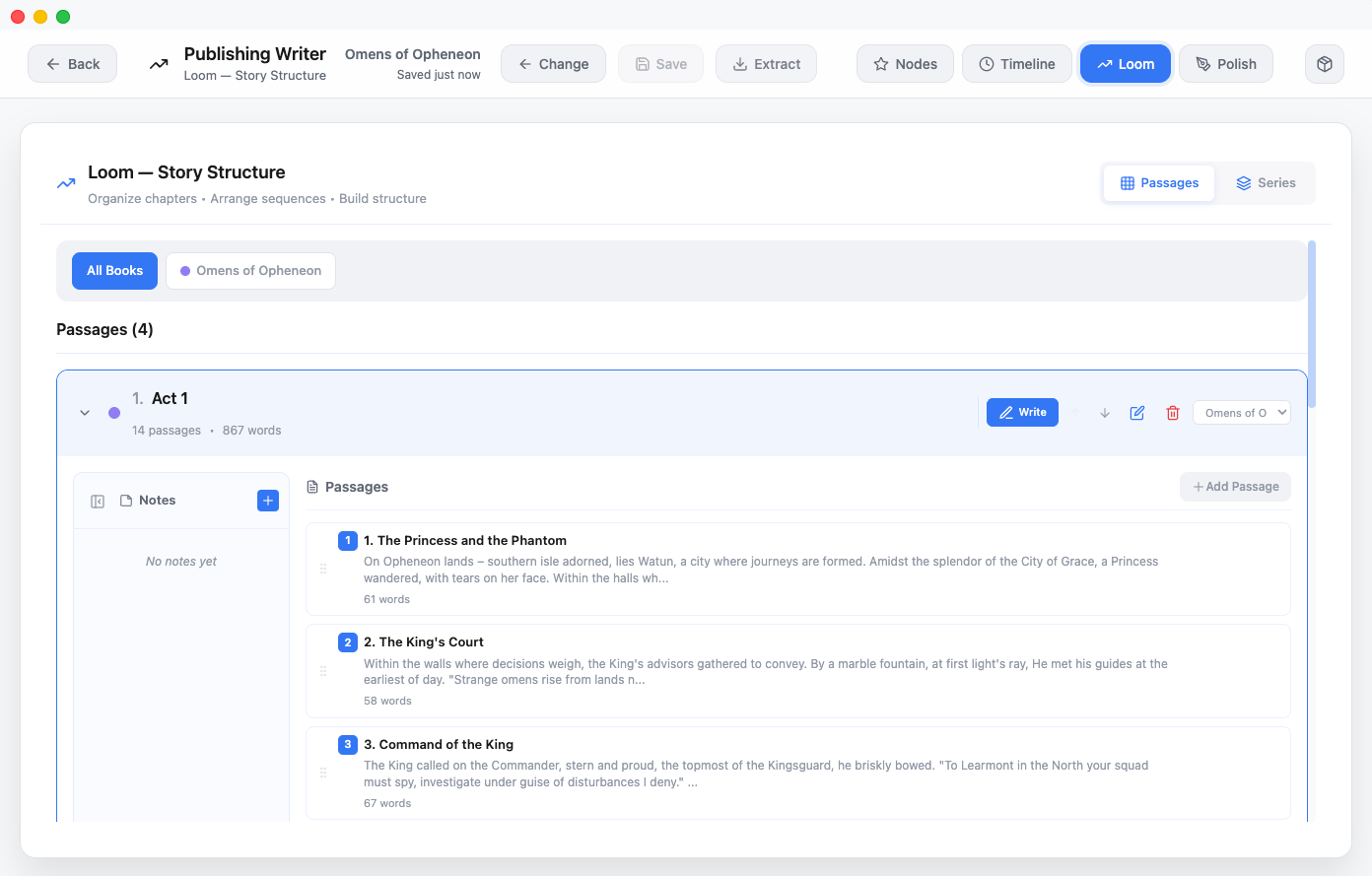
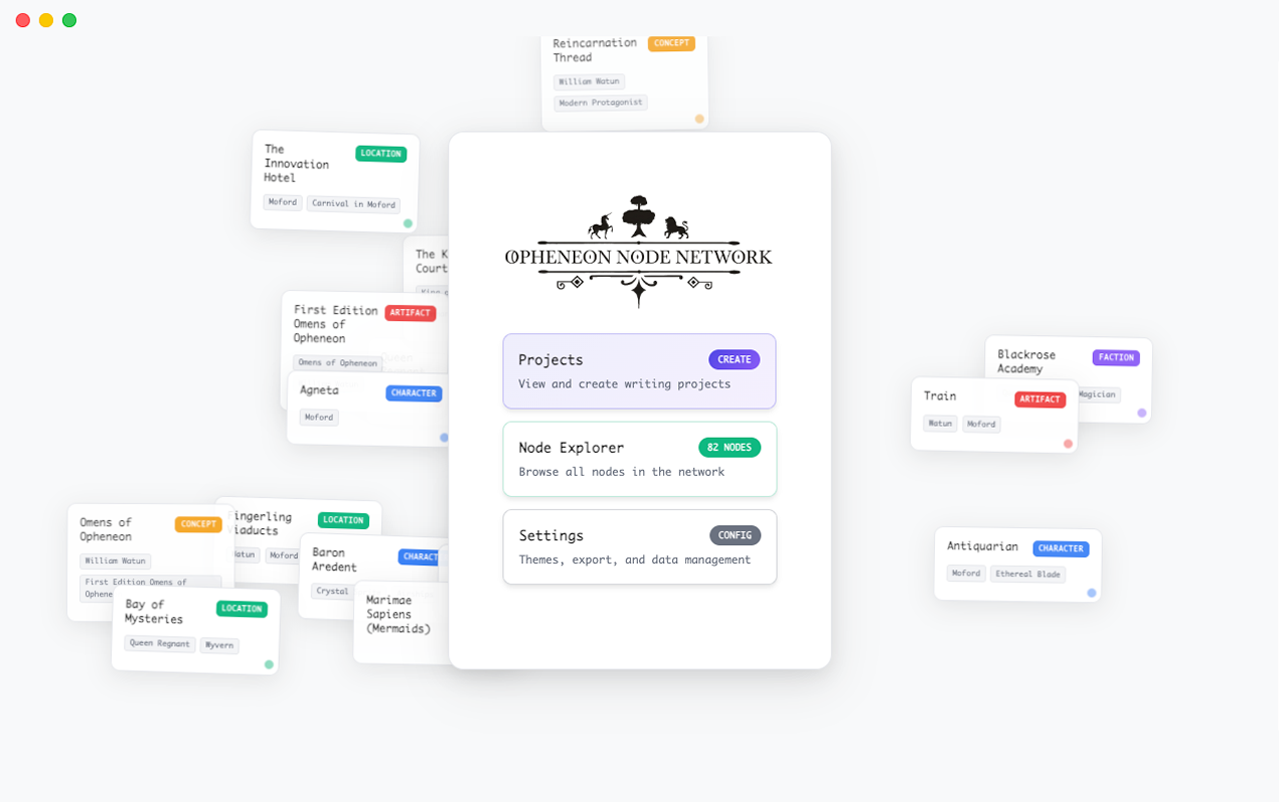
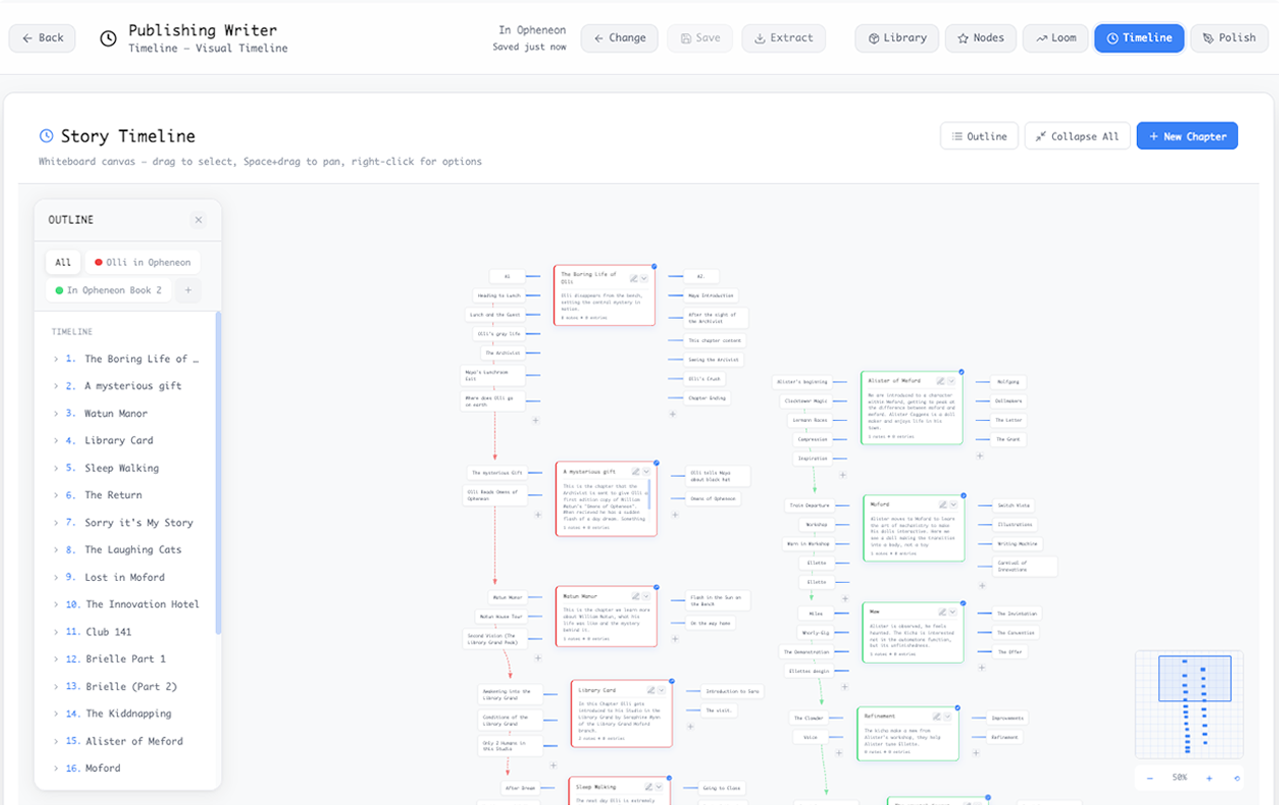
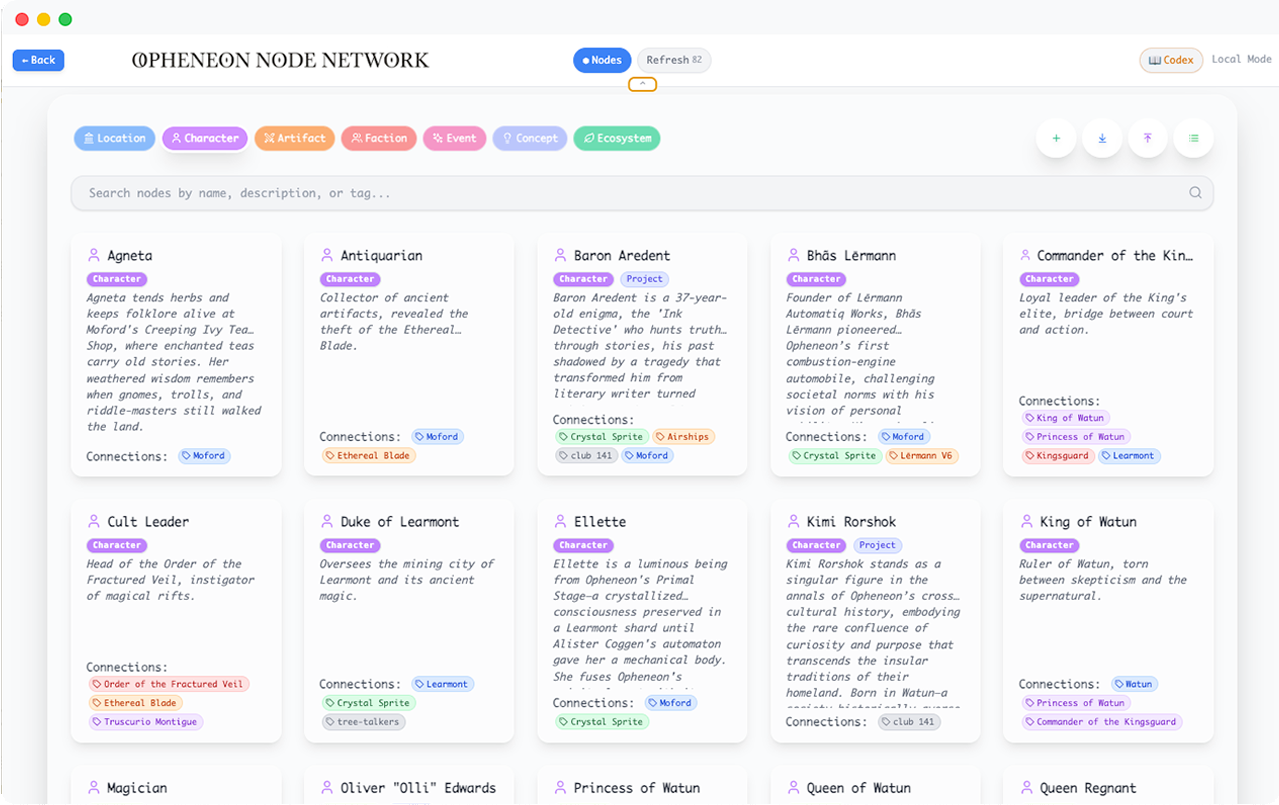
The Node Network (MacOS Silicon Build) is a place you can design and build your world with interlinking nodes. Connect characters to places, places to events, and more. Flesh out your world and use it in the publishing writer to forge stories worthy of sharing with your kin and their kin after.

This is a BETA build and there could be some bugs, if you find any, please report them!

Be sure to know which Mac hardware you have (Options: Intel or Apple Silicon)

The Node Network (MacOS Silicon Build) is a place you can design and build your world with interlinking nodes. Connect characters to places, places to events, and more. Flesh out your world and use it in the publishing writer to forge stories worthy of sharing with your kin and their kin after.

This is a BETA build and there could be some bugs, if you find any, please report them!

macOS requires most apps to be:

  • Signed by a registered developer

  • Notarized by Apple

During beta development, many independent and early-stage apps aren’t notarized yet. That’s why macOS flags them.
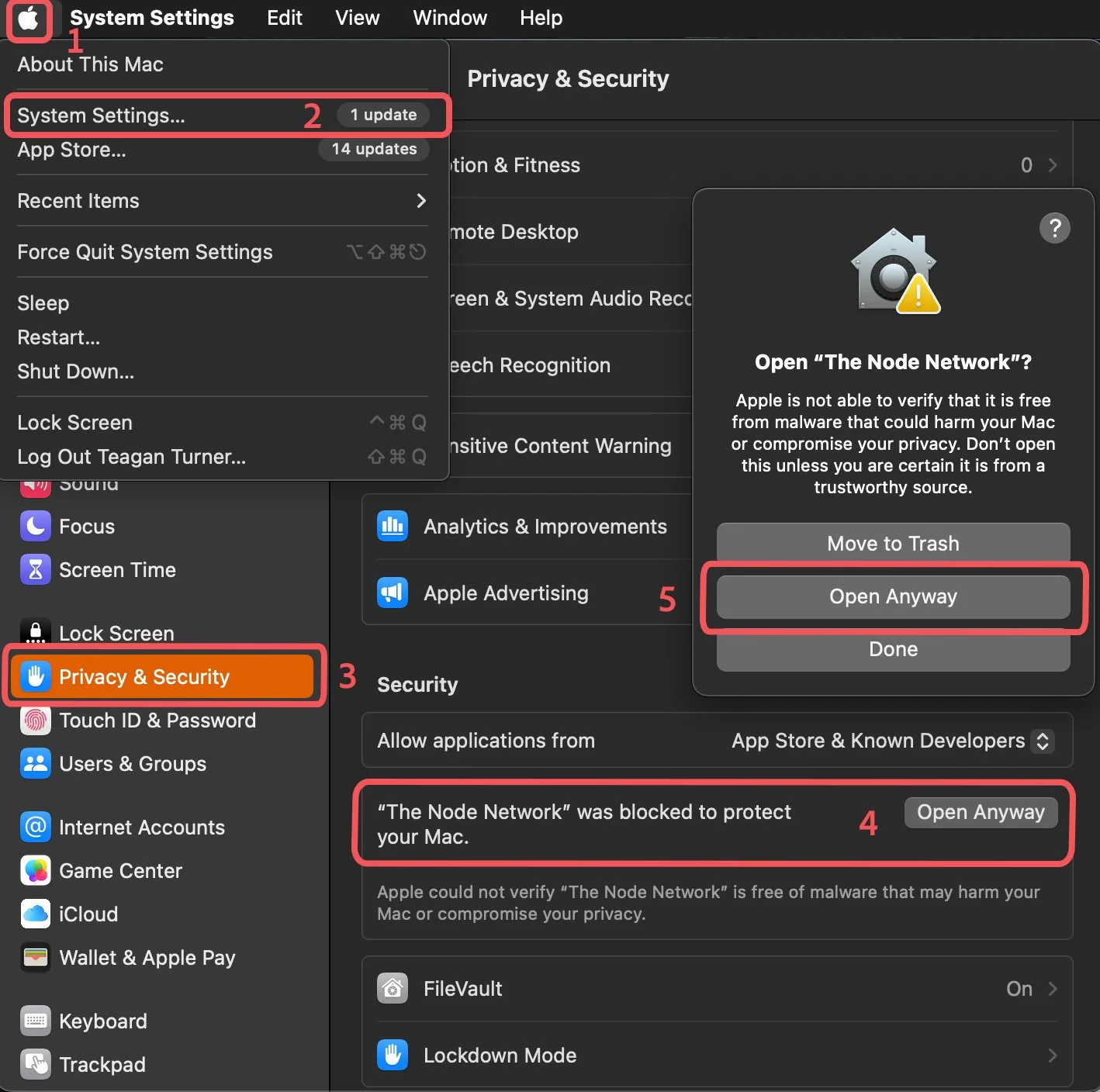
Try opening the app normally

  • Double-click The Node Network.

  • You’ll see a warning saying it can’t be verified.

  1. Open System Settings

    • Click the Apple menu () in the top-left.

    • Select System Settings…

  2. Go to Privacy & Security

    • In the sidebar, click Privacy & Security.

  3. Find the blocked app message

    • Scroll down to the Security section.

    • You’ll see:

      “The Node Network was blocked to protect your Mac.”

  4. Click “Open Anyway”

    • Press Open Anyway.

    • Confirm when prompted.

  5. Launch normally after that

    • The app will now open.

    • Future launches won’t be blocked.